
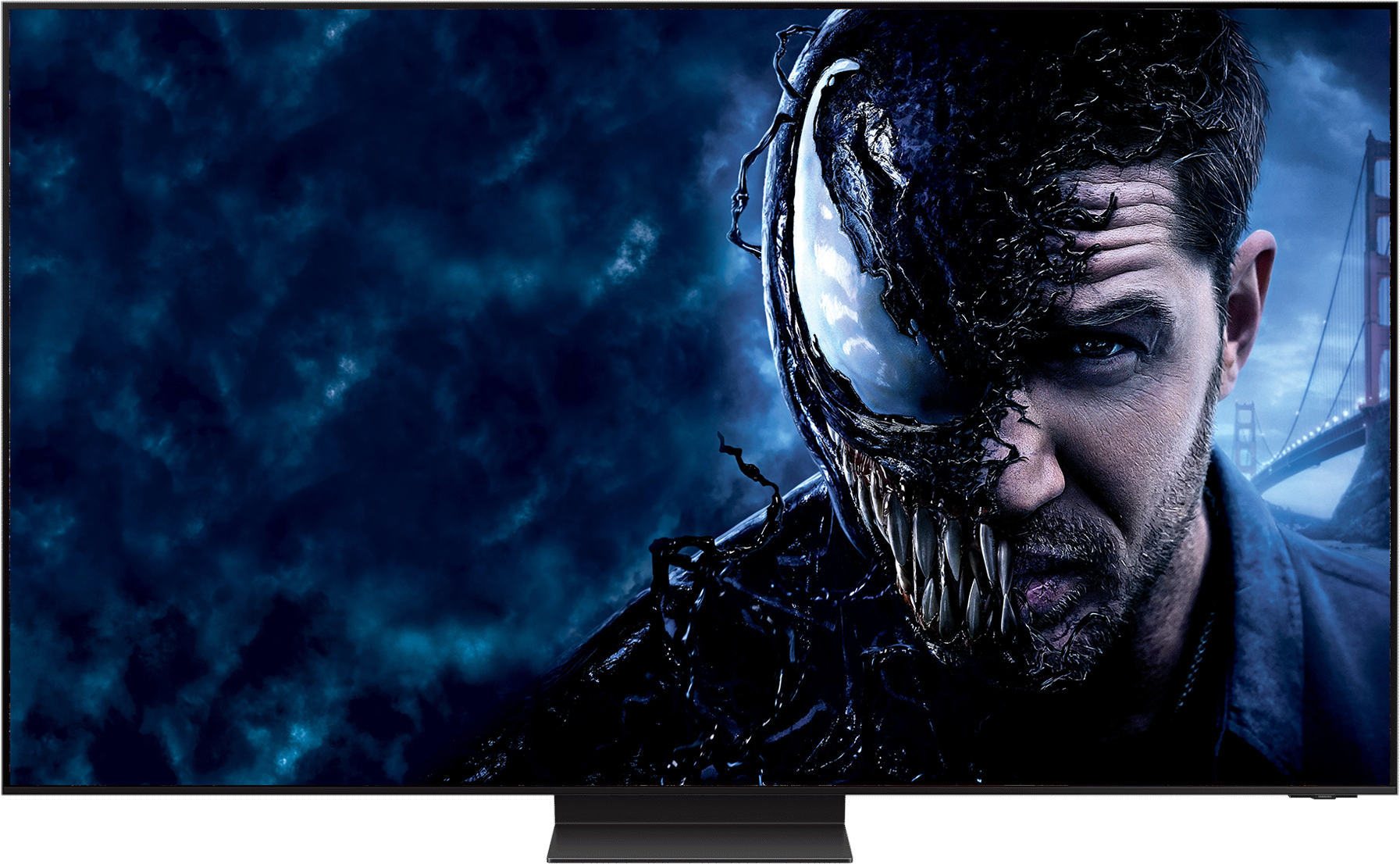
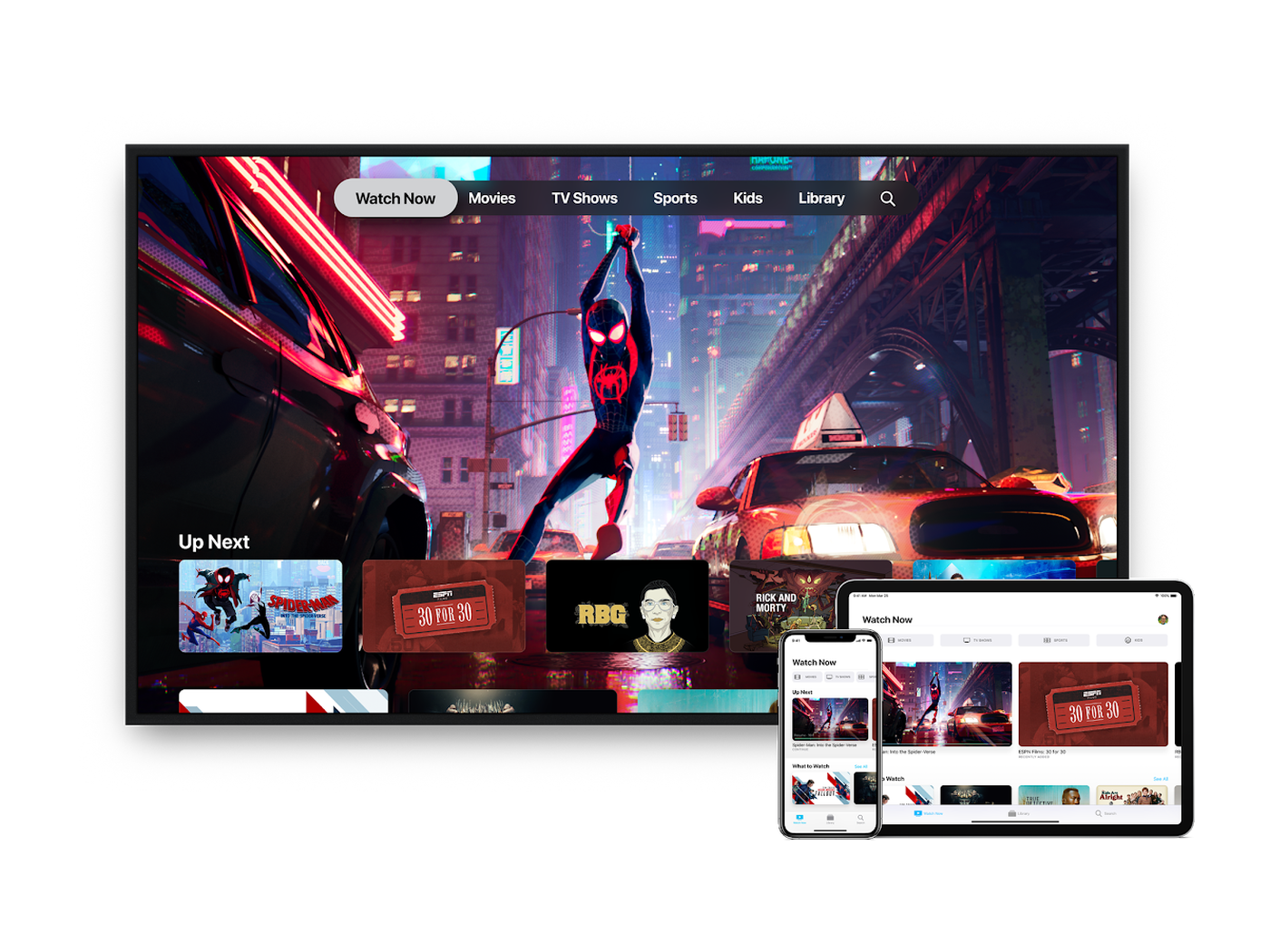

Owl supports a variety of devices, including smartphones, tablets, smart TVs, streaming devices (e.g. Roku, Chromecast, Apple TV), and gaming consoles (e.g. PlayStation, Xbox).
To manage your account settings, log in to your account and click on "Account" or "Settings". From there, you can update your profile information, change your password, and manage your subscription.
Yes, you can cancel your subscription at any time. Please note that cancellation policies may vary depending on the pricing plan you would have chosen.
If you're experiencing issues with Owl Watch, try the following troubleshooting steps: First, ensure that your device and Owl Watch app are updated to the latest version. Next, check your internet connection to ensure it's stable and working properly. If you're still experiencing issues, try restarting the Owl Watch app or your device. If the problem persists, please visit our support page for more detailed troubleshooting guides or contact our customer support team for further assistance.
Owl Watch accounts are intended for individual use only. While we understand that you may want to share your account with family or friends, sharing your account can compromise the security of your personal information and may violate our terms of service. Additionally, sharing your account can also impact the quality of your viewing experience, as multiple users may be streaming content simultaneously. If you need to share access with others, we recommend creating separate accounts for each user. Please note that our system is designed to detect and prevent account sharing, and we reserve the right to terminate accounts that violate our terms of service.